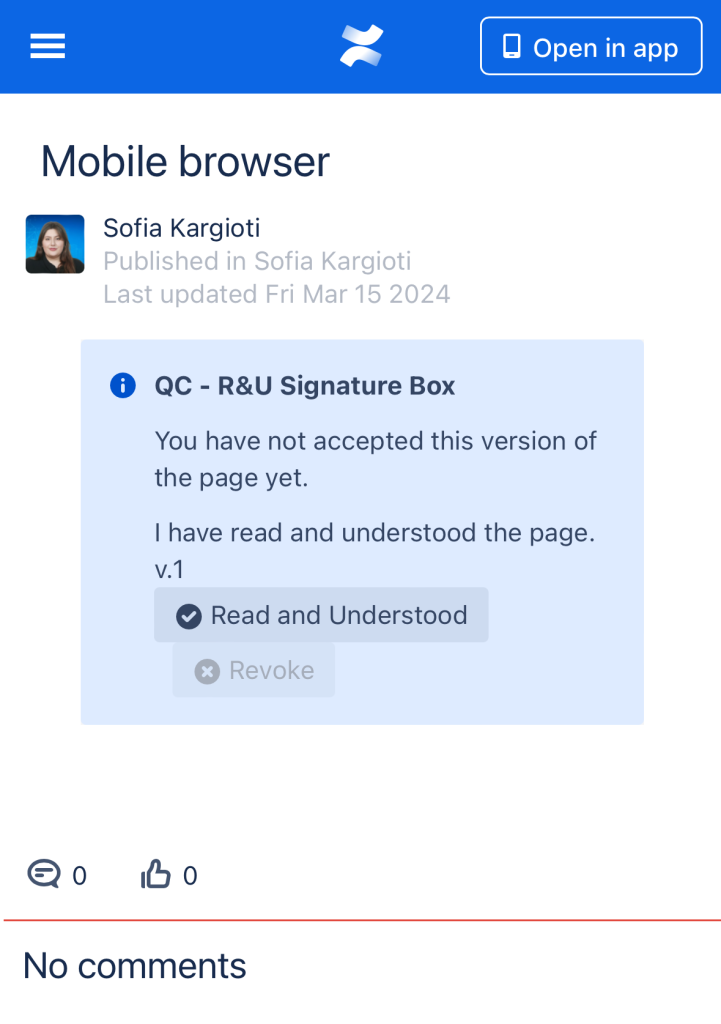
Unfortunately, the QC Read & Understood users are not able to have the best experience while using the mobile app as it is not fully supported yet.
There is, however, a workaround that you can do when using your mobile device and it is the “Switch to desktop version” option.
To switch to the desktop version:
-
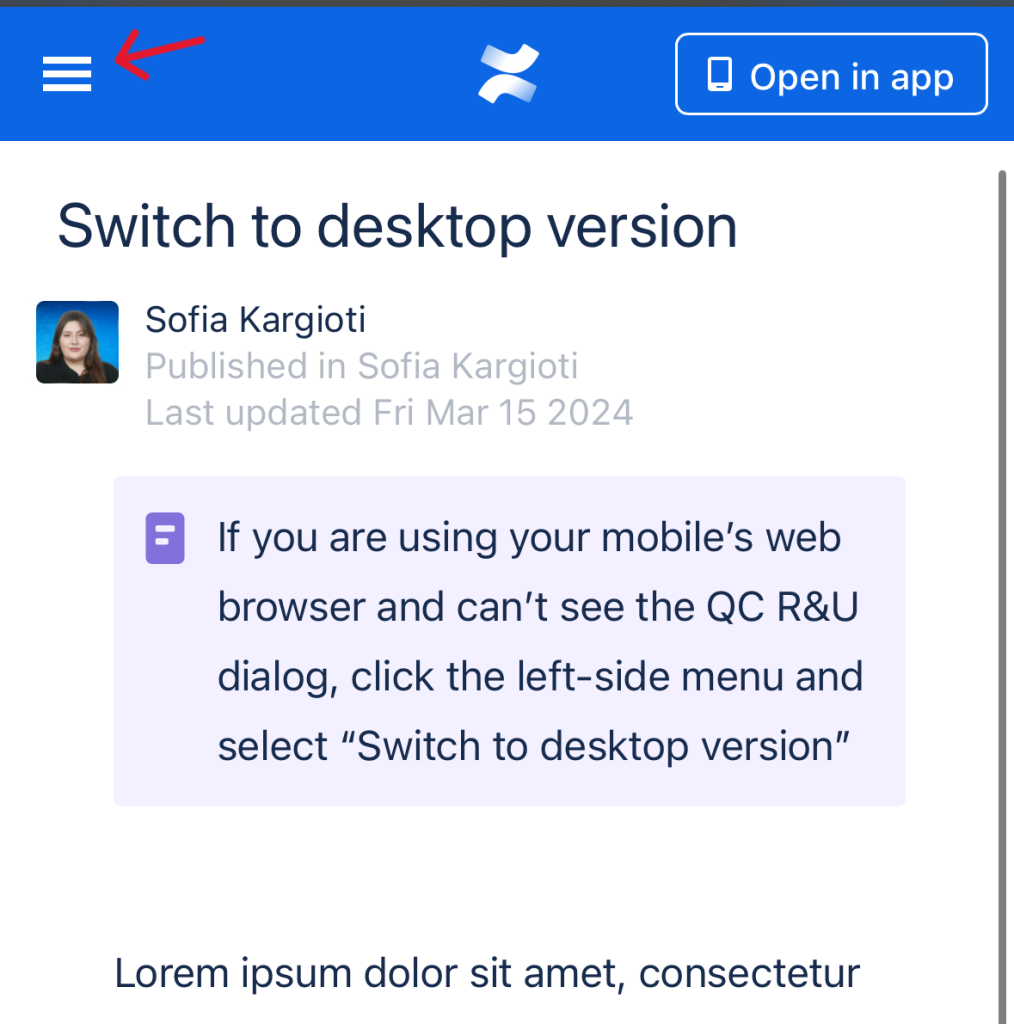
Open the hamburger menu on the left side of your screen,
-
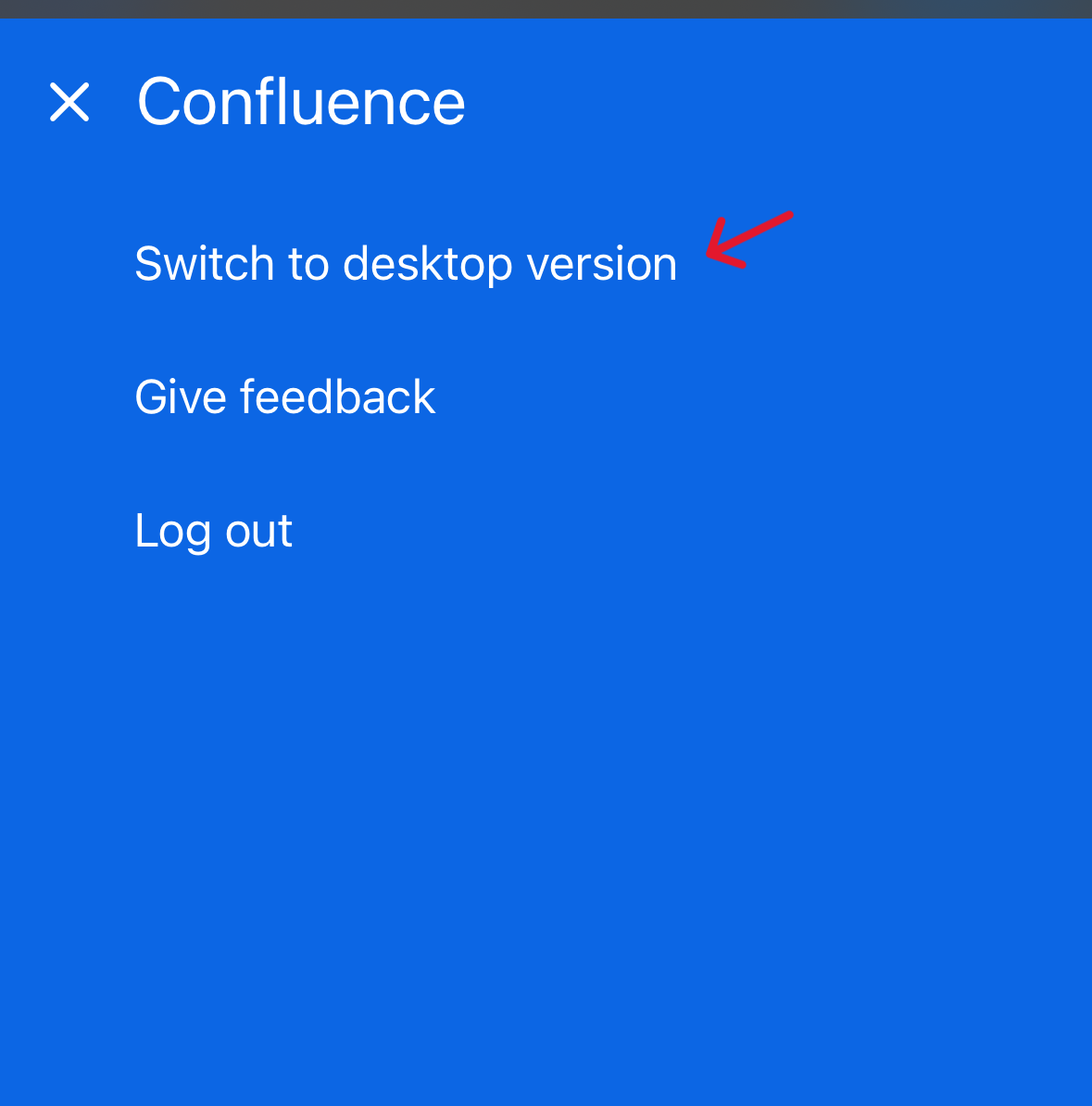
Select the “Switch to desktop version” option.
-
After switching to the desktop version, you will be able to perform all actions as you do while using your computer.
How to R&U a page on Confluence mobile
While the byline dialog is not yet available in the Confluence mobile app, users can R&U a page from their phone by using the Signature Box and hitting the “Read & Understood” button.
R&U a page with the mobile app
-
Go to a page that you want to R&U
-
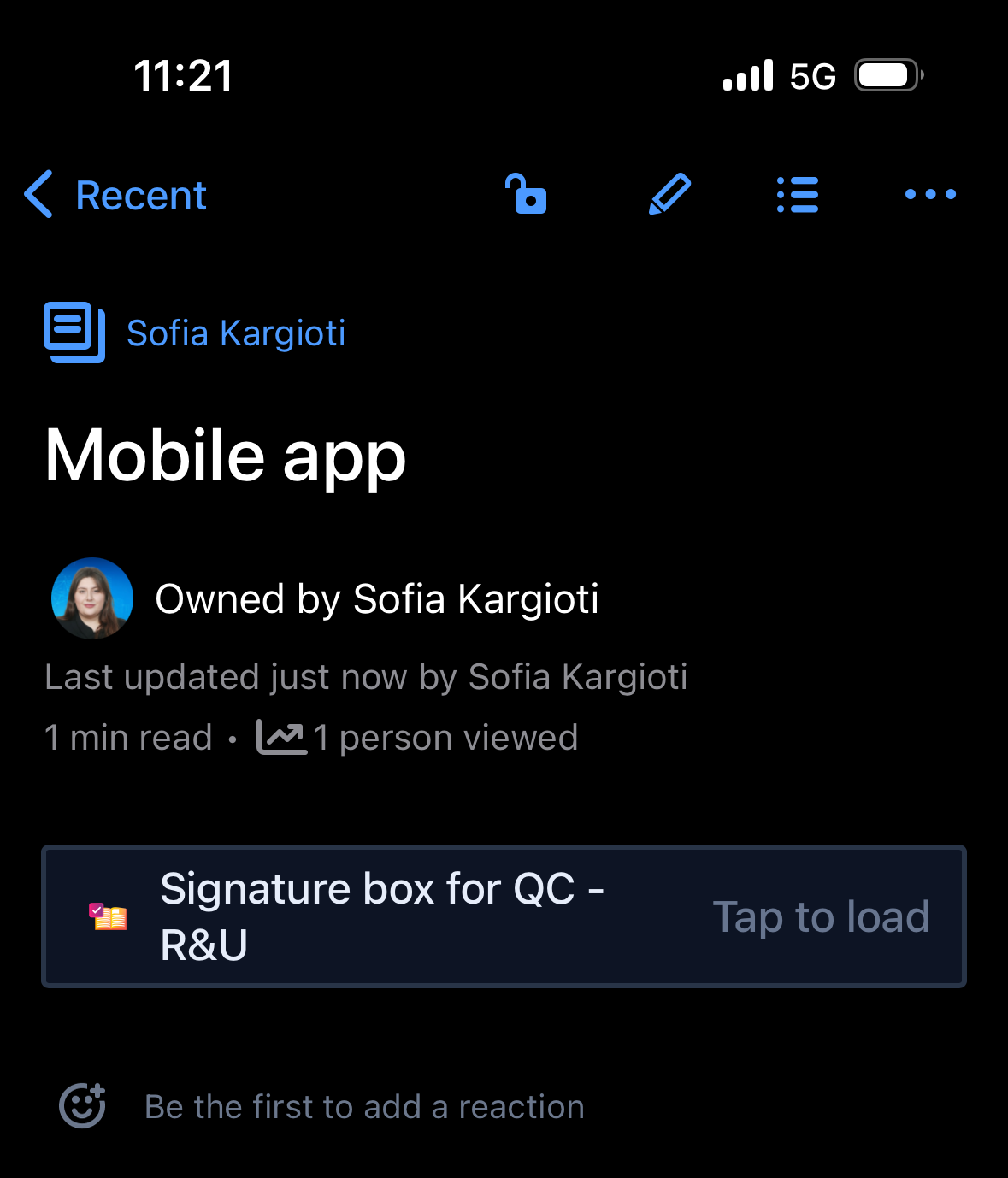
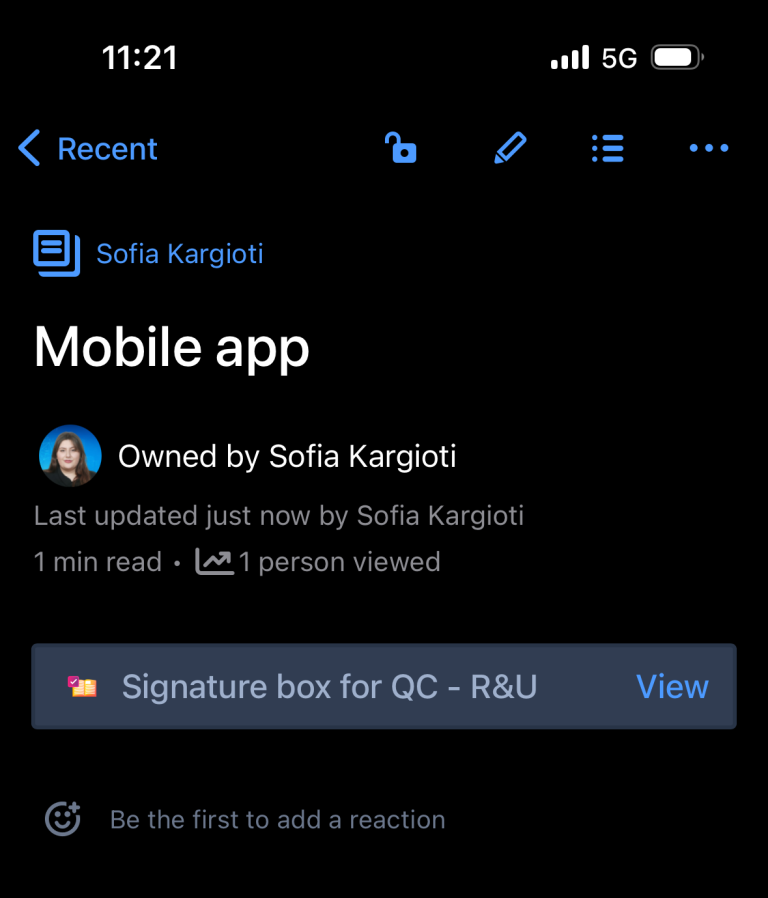
Find the Signature Box macro and tap it (“Tap to load” message should appear)
-
Click “View”
-
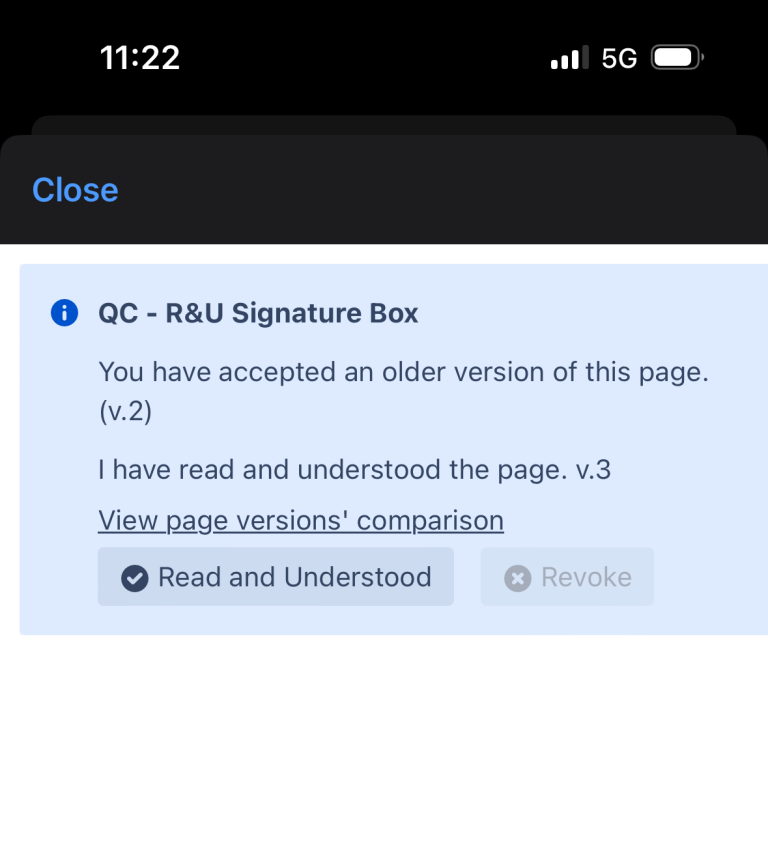
Click the “Read and Understood” button
R&U a page with the mobile browser
-
Go to a page you want to R&U by using any mobile web browser
-
Click the “Read and Understood” button.