This page is dedicated to helping you learn how to use the QC Documents macros.
QC Page Property / QC Page Property Dynamic
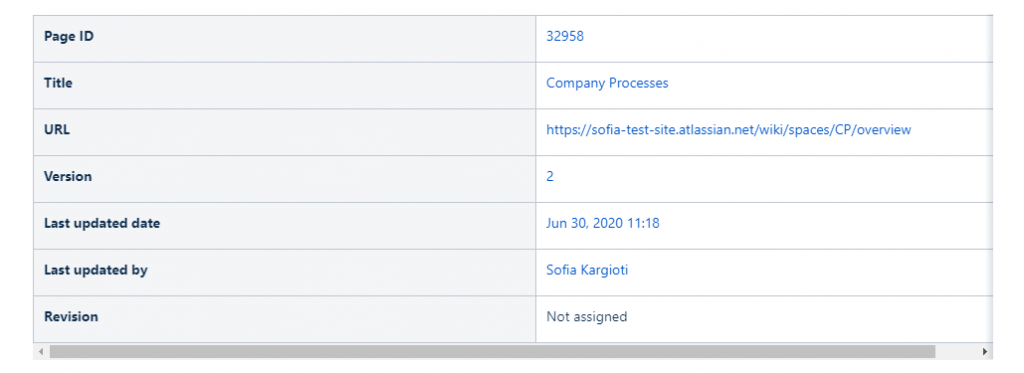
The QC Page Property macro displays a page’s metadata properties like:
-
the page ID,
-
last assigned version,
-
last updated date
-
page URL,
-
created date, etc.
Available properties
-
ID – The ID of this piece of content
-
Title – The Title of this piece of content
-
URL – The URL of this piece of content
-
Version – The latest version number of this piece of content
-
Updated date – The latest updated date of this piece of content
-
Space title – The space title of this piece of content
-
Created date – The date this piece of content was created
-
Created by – Who has created this piece of content
QC Page Property (custom format)
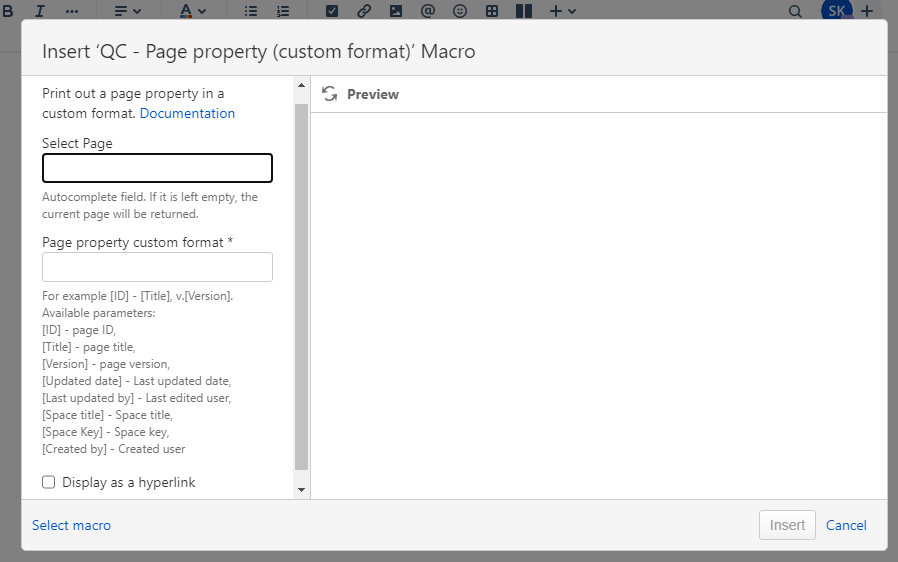
The QC Page Property Custom Format macro displays a page’s metadata (i.e. ID, title, version, updated date, last updated by, space key, space title, created by) in a custom format.
QC Revision Value
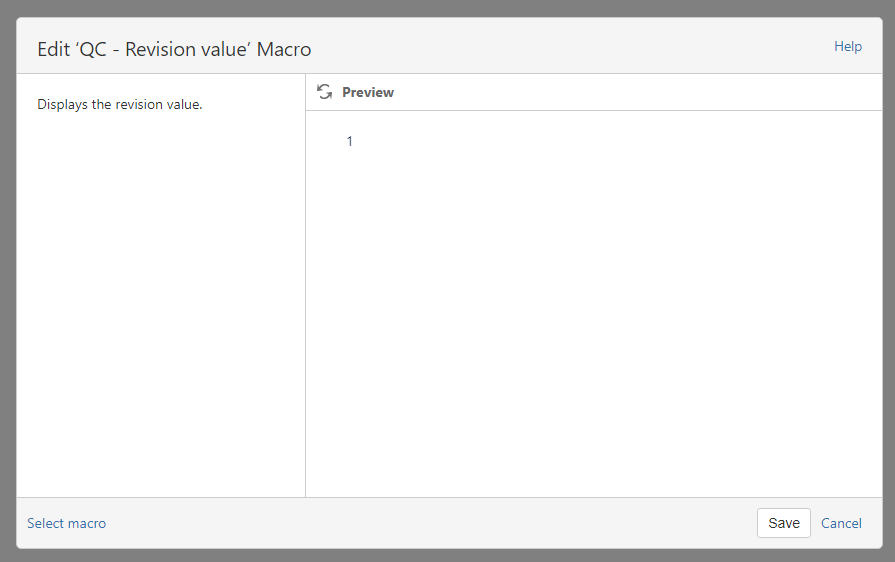
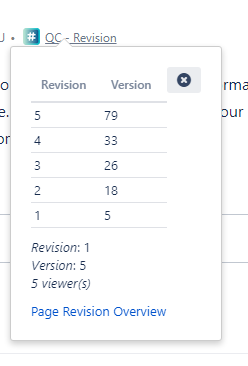
The QC Revision Value macro displays the page revision number of the current version of the context.
QC Revision Table
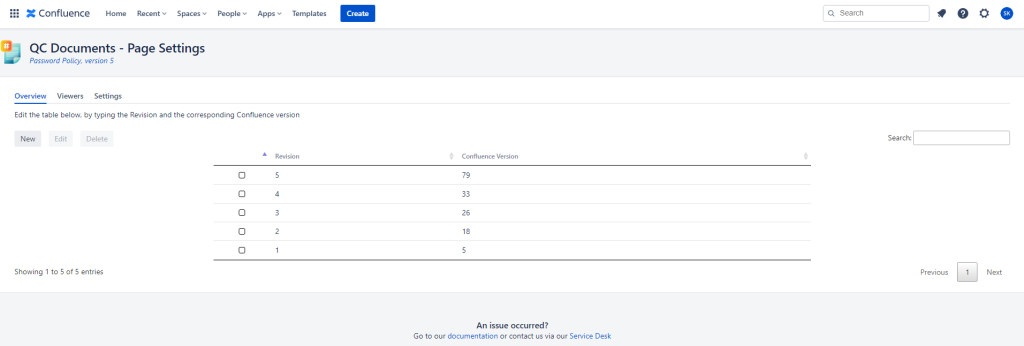
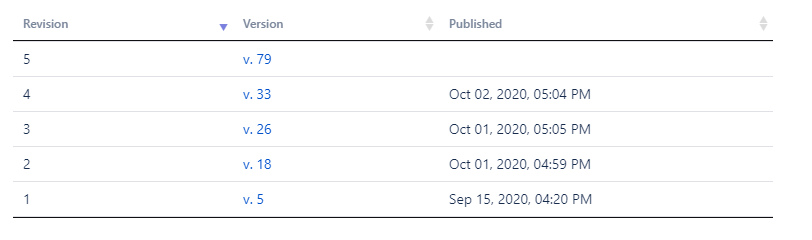
The QC Revision Table macro displays the revision table a user has set on the QC Page Revision Overview. The table contains the QC Revision Value, the Confluence page version number, and the date and time it was published.
QC Citation Table
The QC Citation Table macro displays a table of other pages that cite the current context. The page will need to be inserted as an internal link using the Confluence UI.
The table contains the Page ID and the Page title.

QC Internal Reference
The QC Internal Reference macro displays a table with all wiki page references (ie. hyperlinks) mentioned in the current context.
The macro will display only references (ie. hyperlinks) that were inserted as an internal link using the Confluence UI.
The table contains the Page ID and the Page title.

QC Viewers Table
The QC Viewers table macro displays a table with all the users that viewed the current page.
The macro is not available for older Confluence page versions. It only works at the current version.
The table contains the Viewer’s name and the latest version viewed.

QC Page Listing
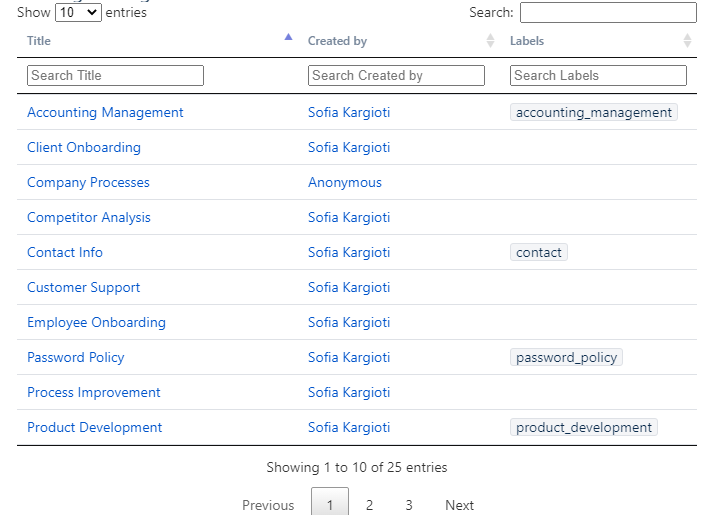
The QC Page listing macro displays a list of all the pages, belonging to a specific space, thus enabling quick filtering.
QC Expiration Date
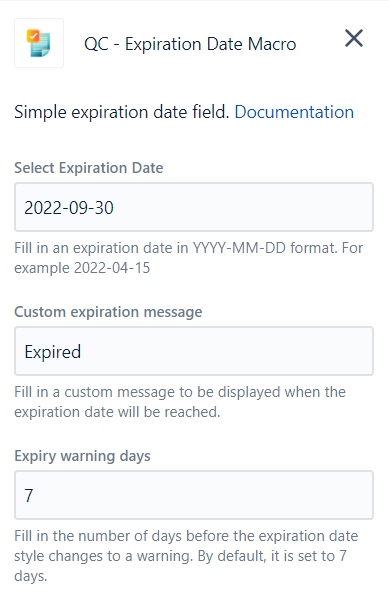
The QC Expiration Date macro lets you set an expiration date for your documents. There are three different colors that represent the following expiration date statuses:
-
Red → The document has expired and needs to be reviewed again.
-
Orange → This is a warning letting you know that the document is about to get expired. By default, the style will change to a warning 7 days before the expiration date, but you can set it to as many days as you want.
-
Grey → There are still many days until the document expires. By default, this style will change to a warning 7 days before the expiration date, unless you’ve set it otherwise.


QC Views Stats
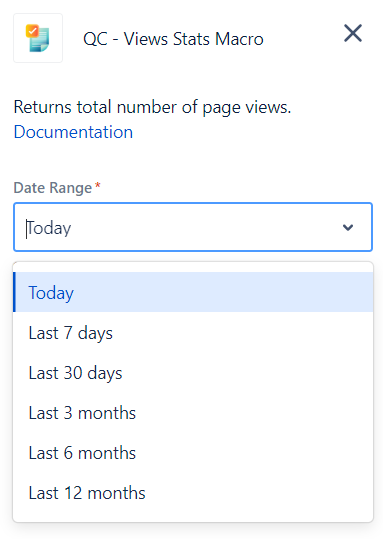
The QC Views Stats macro returns the total number of page views within a certain date range.
You can choose to display the total views of a page:
-
as of today
-
for the last 7 days,
-
for the last 30 days,
-
for the last 3 months,
-
for the last 6 months, and
-
for the last 12 months.
QC Average Views Stats
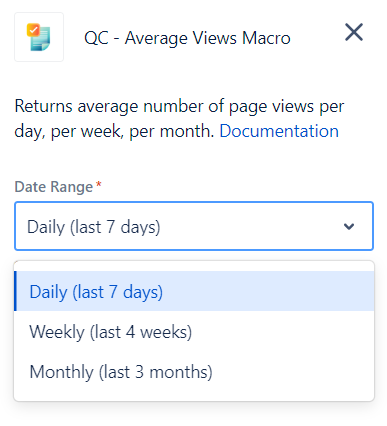
The QC Average Views macro returns the average number of page views within a certain date range.
You can choose to display the average views of a page:
-
daily average views (last 7 days),
-
weekly average views (last 4 weeks), and
-
monthly average views (last 3 months).