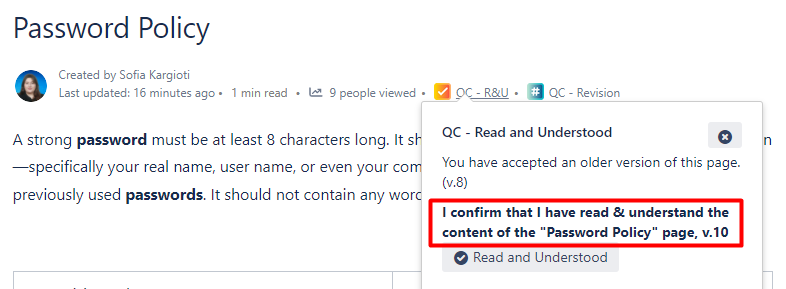
Upon a Service Desk request we received regarding the Signature Text for the QC Read & Understood app we decided to add the opportunity for the user to set a custom signature scope via the page settings.
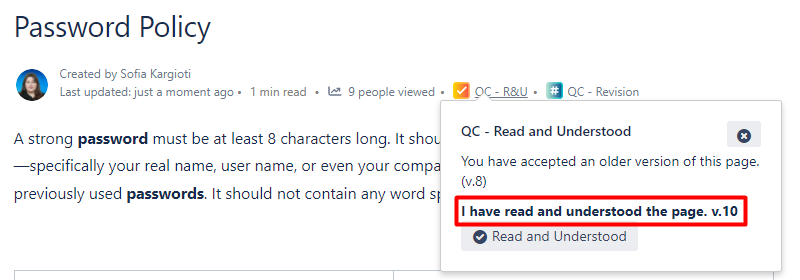
Setting a custom signature scope
The steps are simple
-
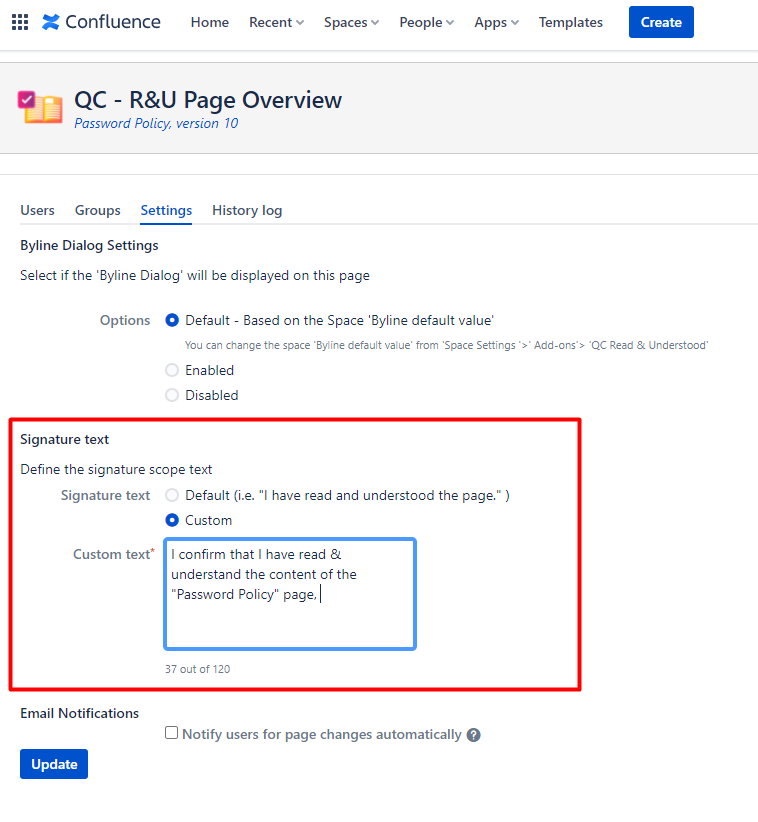
Go to QC R&U Page Overview
-
Click on the Settings tab, and under the Signature Text settings select the Custom option
-
Fill in the field with your custom text
-
Click Update