
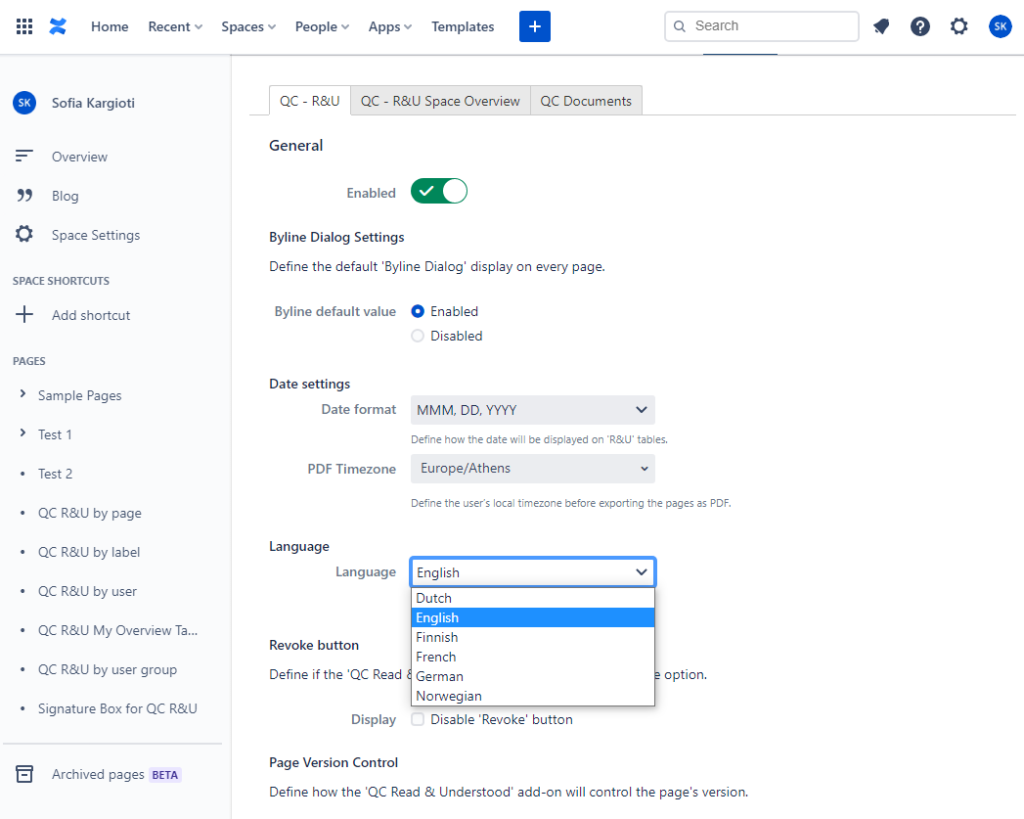
You can change the language you want to display your Read & Understood tables by following the steps below:
-
Go to Space Settings
-
Click on Add-ons
-
On the QC – R&U tab scroll down to the Language field
-
Select one of the available languages
-
Click Update.